
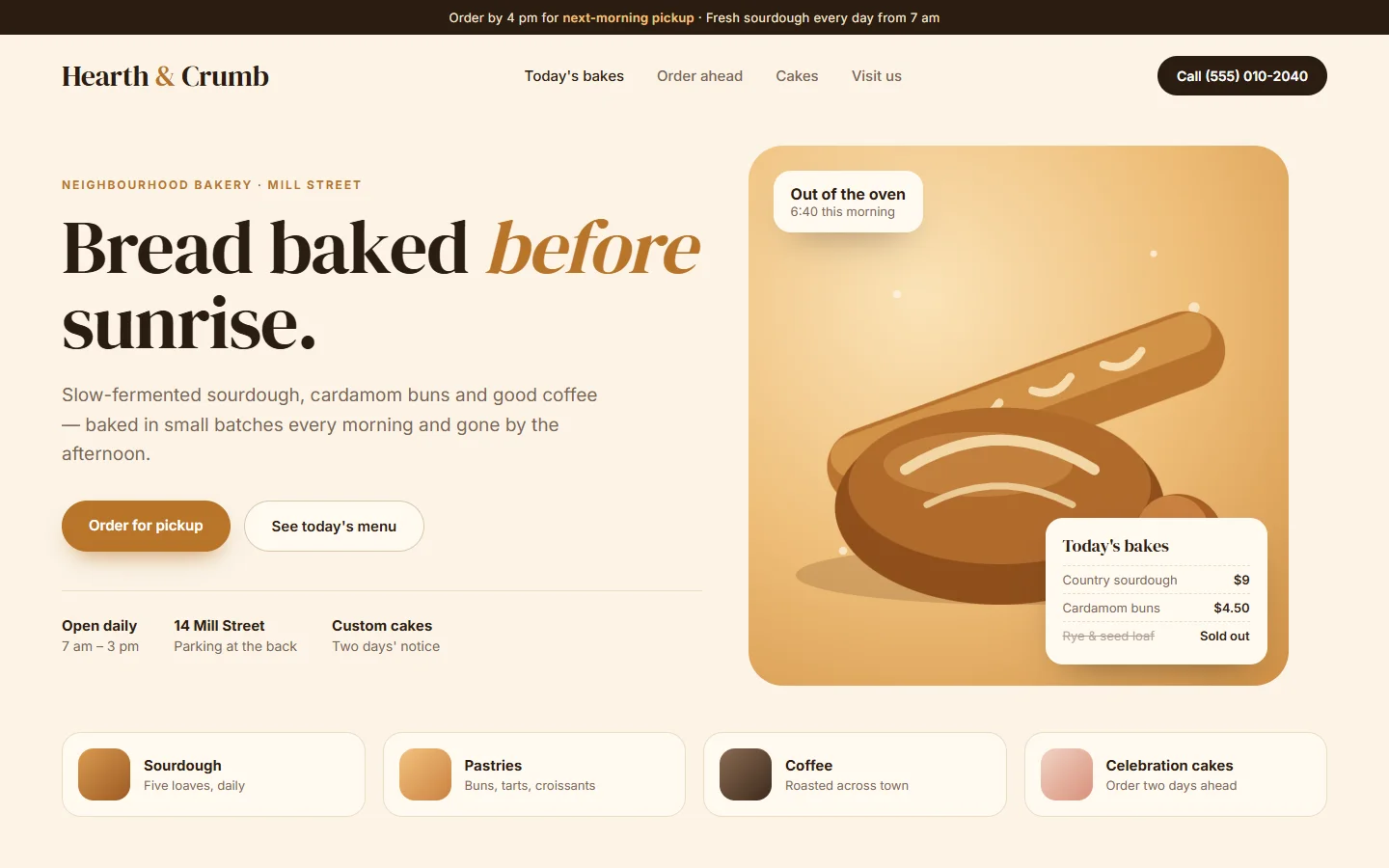
Small business websites
For shops, cafés, trades and local services: hours, location, services and a fast way to get in touch.
Website design
BlogsPublication designs, builds and manages websites for small businesses, creators and professionals, starting from the client's budget: we pick the cheapest platform that does the job, set it up in the client's name and keep it updated afterwards. To get a website, email aashish@blogspublication.com with what you need and your budget, and we reply with a plan and a quote.
Six kinds of site, each with an example, what is included, and the cheapest way to build it yourself if you would rather not hire anyone.
For shops, cafés, trades and local services: hours, location, services and a fast way to get in touch.
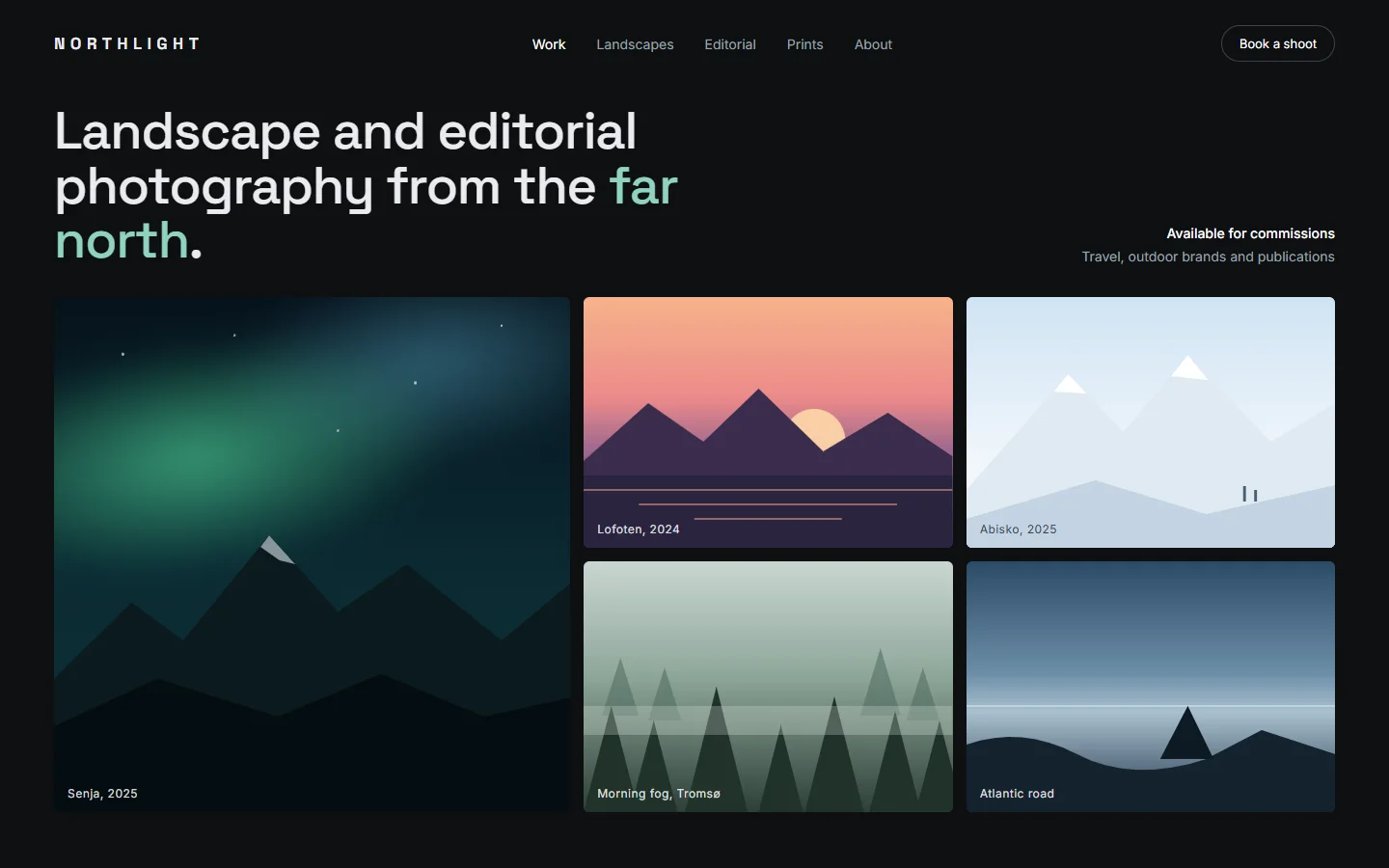
For photographers, designers and freelancers: big images, fast pages and a clear way to hire you.
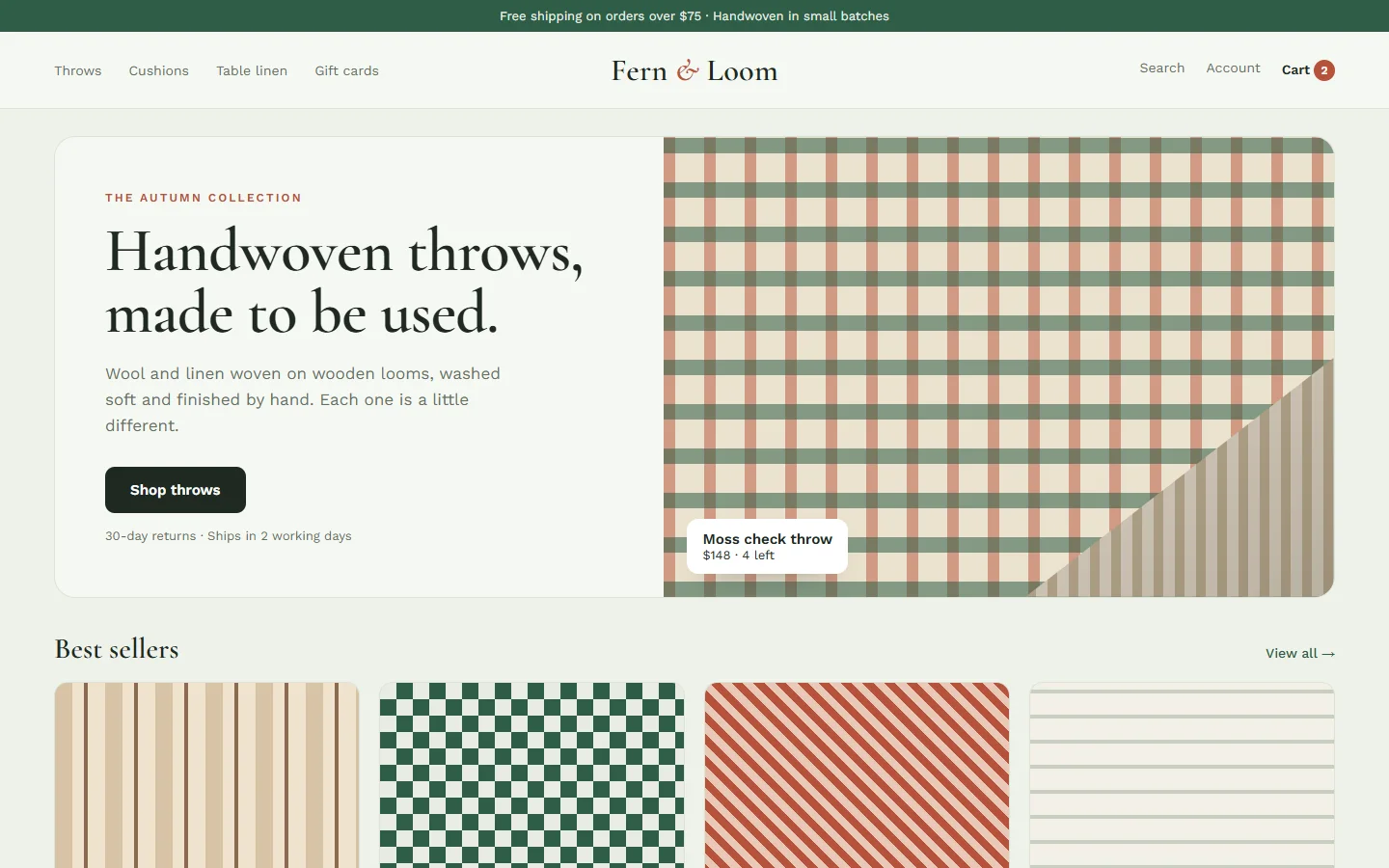
For shops and makers: products, checkout, payments and shipping on the platform that costs you least.
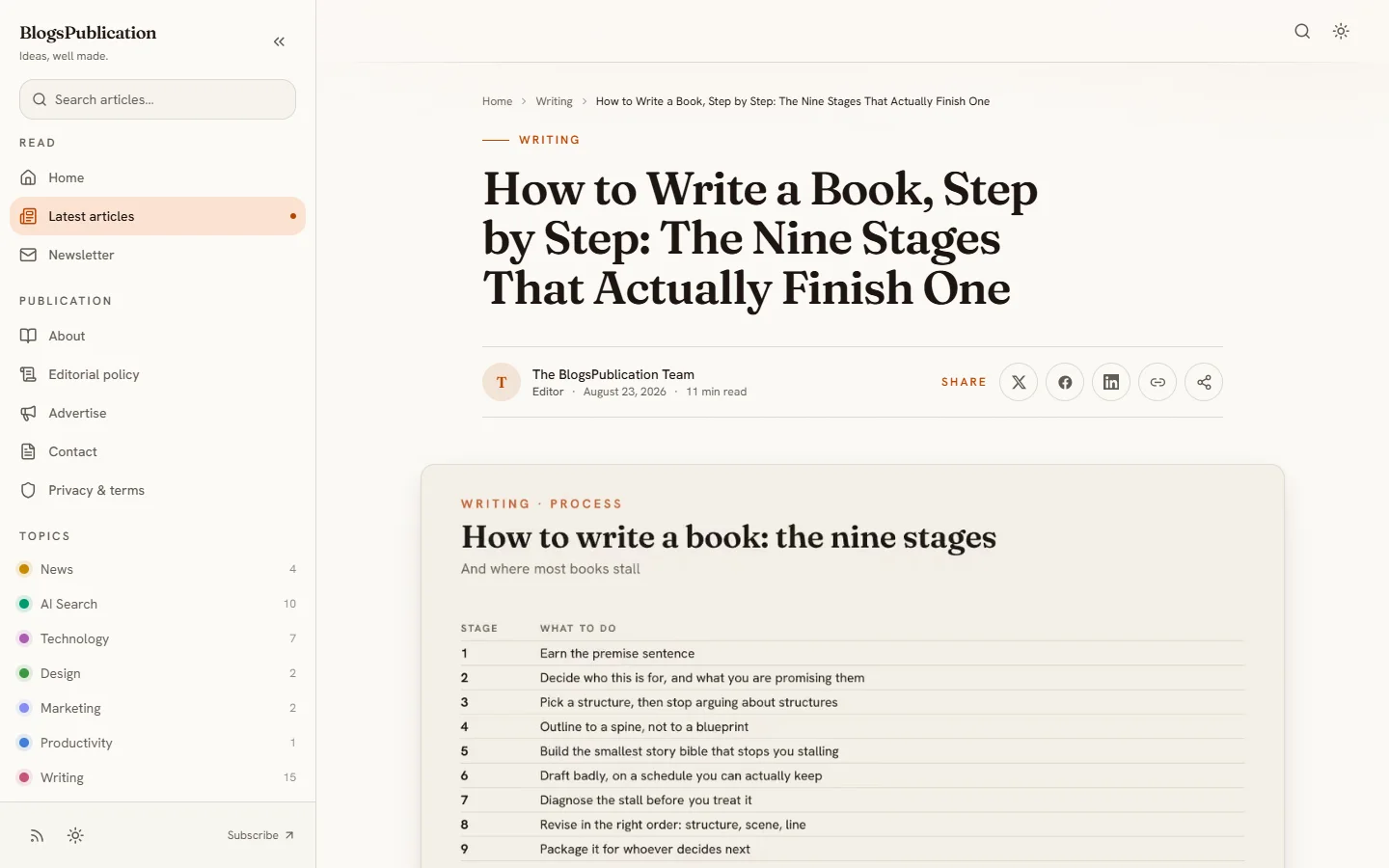
Built the way we built this site: readable articles, fast pages and the groundwork for search and AI.
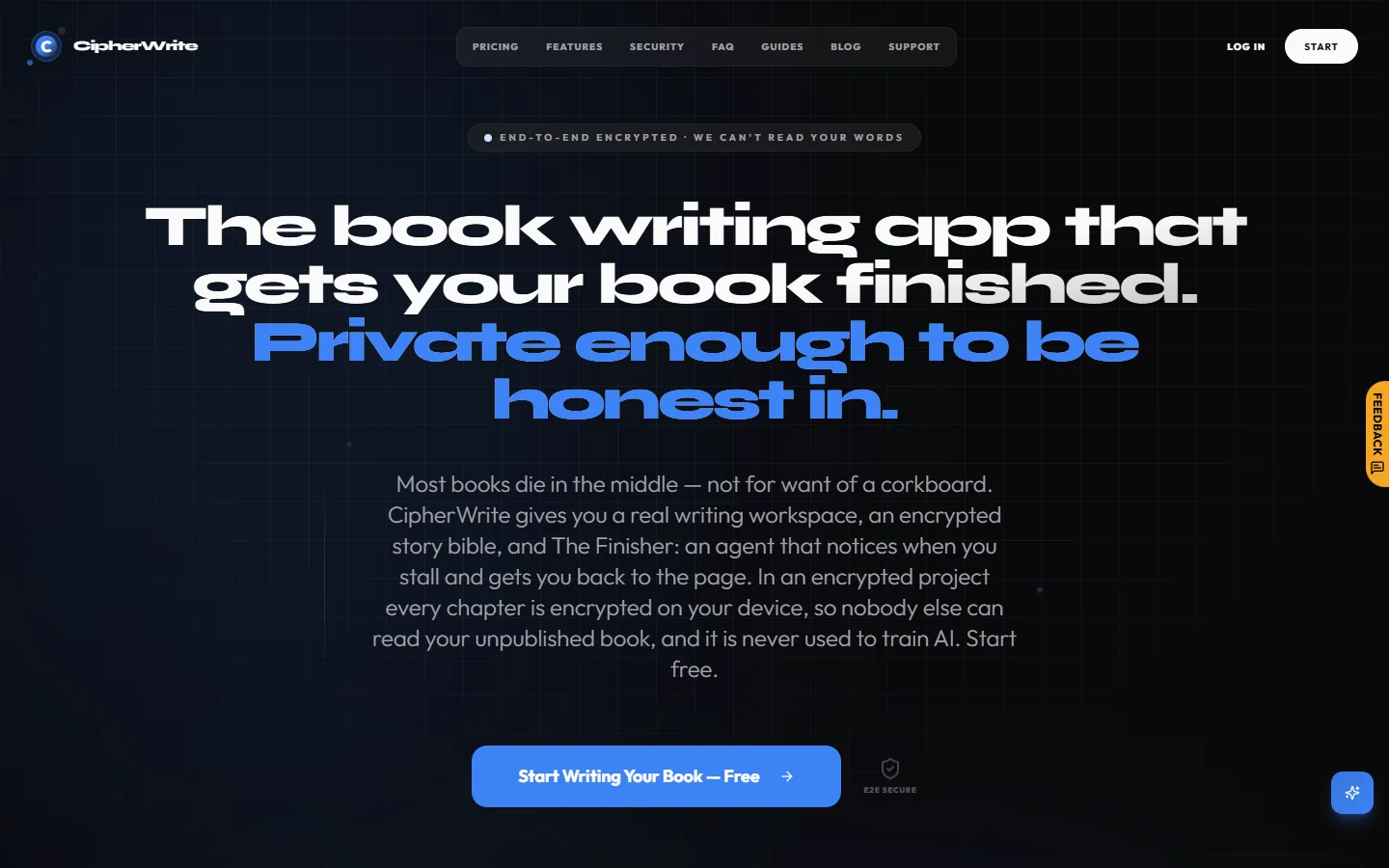
For launches, apps, events and ads: one message, one call to action, and fast.
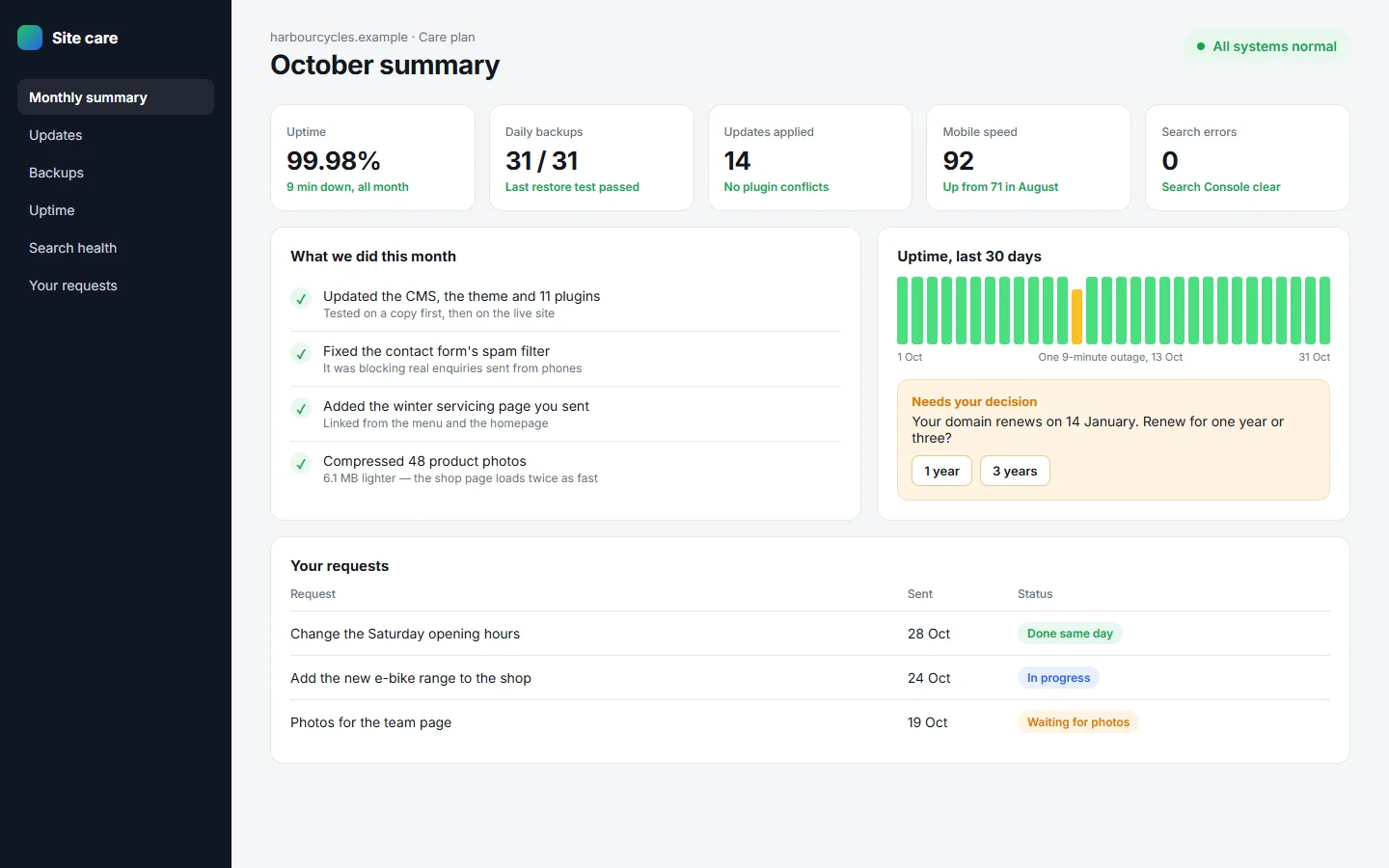
Updates, backups, security, uptime checks and your changes — for any site, not only ones we built.
Sample designs show invented businesses: they illustrate the kind of site we build, not client work. BlogsPublication and CipherWrite are real sites our team builds and runs.
Two live sites our team builds and runs. Visit either one and judge the work for yourself.
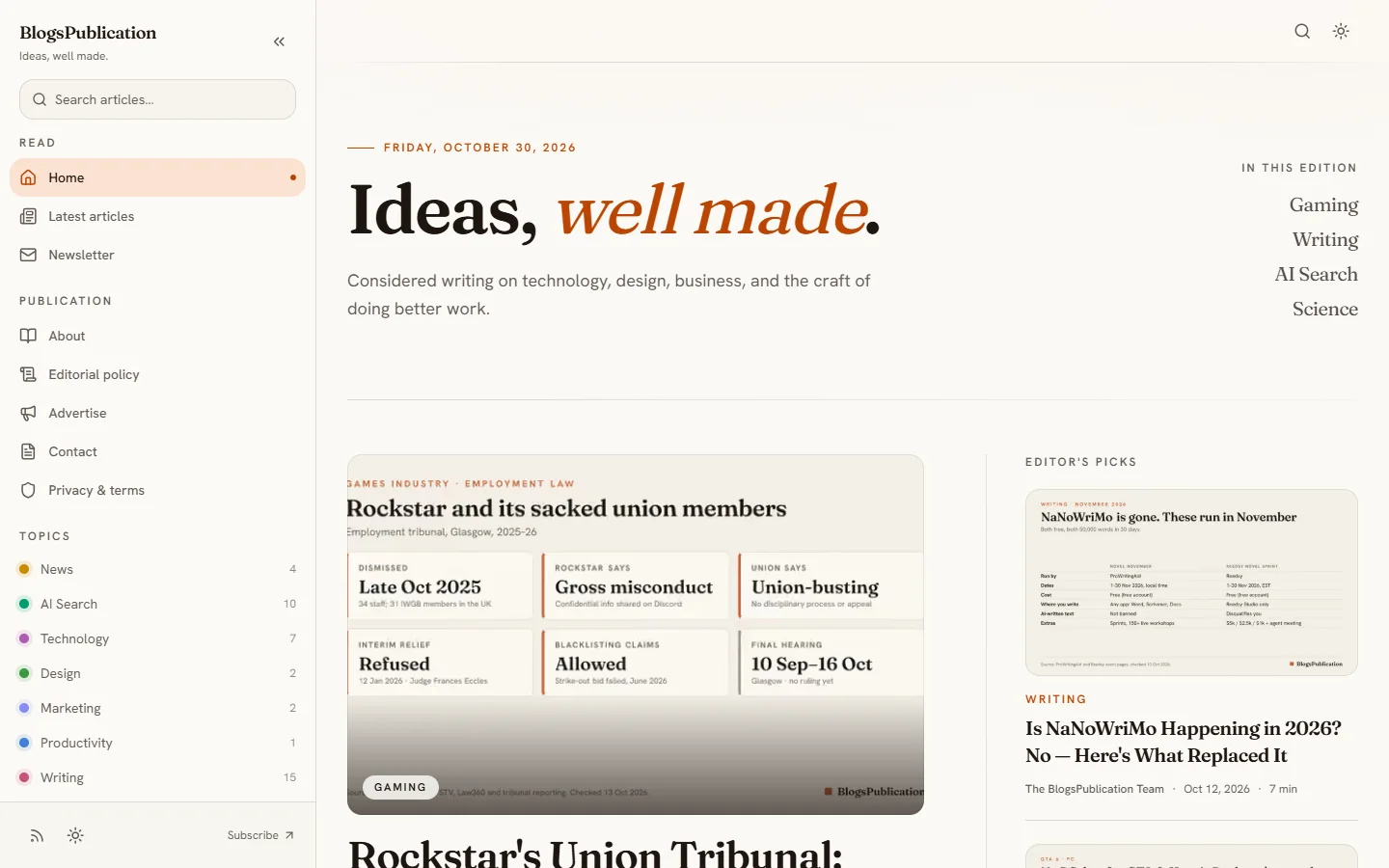
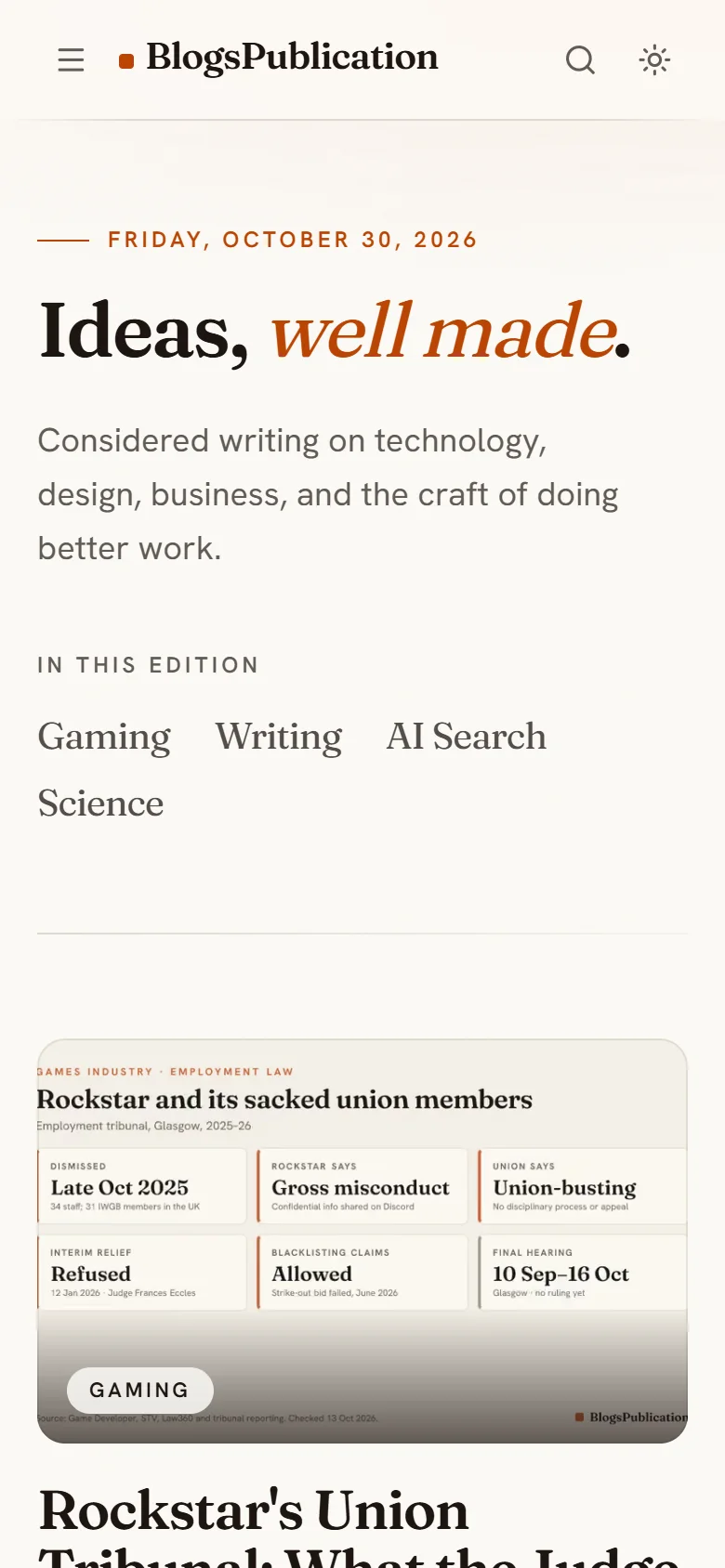
One team from the first page to the hundredth update. Take all four, or only the part you need.
Business websites, portfolios, blogs, landing pages and small online stores, designed for phones first and fast to load.
Domain, hosting, HTTPS, contact forms, Google Search Console and analytics — registered to you, not to us.
Page titles and descriptions, a sitemap, structured data and clean pages, so search engines and AI assistants can read and cite the site.
Updates, content changes, backups, security fixes and checks that the site is up, on a monthly plan if you want one.
Prices checked 30 October 2026
The cheapest way to get a website in 2026 is Google Sites, which is free: you pay only for a domain name. The cheapest paid builders that use your own domain are Carrd at $19 a year (one-page sites), WordPress.com Personal at $4 a month billed yearly, and Hostinger Website Builder at $2.49–$2.99 a month on a four-year prepay, renewing at $10.99 a month. Wix Light ($17 a month) and Squarespace Basic ($19 a month) cost more but suit people who want to design and edit the site themselves. Prices are US dollars for yearly billing, before tax, checked on 30 October 2026.
| Builder | Cheapest plan with your own domain | Best for | Watch out for |
|---|---|---|---|
| Google SitesFree | $0Free to build and host. You buy the domain name from any registrar and connect it. | A simple information site: a club, an event, a team page | Few design options, and no blog or online store |
| CarrdPro Standard | $19 a yearBilled yearly. The cheaper $9 Pro Lite plan cannot use your own domain. | A one-page site: a portfolio, a landing page, a link-in-bio | Each site is a single page, so it is not built for a blog or a store |
| Hostinger Website BuilderPremium | $2.49–$2.99 a monthrenews at $10.99 a monthIntroductory price, only on a 48-month prepay, and it moves with promotions. Domain free for the first year. | The lowest monthly price for a small business site, if you can prepay | Renewal costs about four times the introductory price |
| WordPress.comPersonal | $4 a monthBilled yearly ($48). $9 a month if you pay month to month, and the free first-year domain needs a yearly plan. | A blog or content site. Plugins are allowed even on this plan | Paying month to month more than doubles the price |
| WixLight | $17 a monthBilled yearly. Domain free for the first year. | Drag-and-drop design, for people who want to edit the site themselves | Taking payments needs the Core plan, at $29 a month |
| SquarespaceBasic | $19 a monthBilled yearly, up from $16 in July 2026. $25 a month if you pay month to month. Domain free for the first year on a yearly plan. | Polished templates for portfolios and service businesses | The priciest entry plan here apart from Shopify, after the July 2026 rise |
| ShopifyBasic | $29 a monthBilled yearly. $39 a month if you pay month to month. | An online store: products, stock, shipping and payments | Paid themes, apps and card fees on every sale add to the bill |
A note on this comparison: we sell website design, so we have an interest in this page. That is why the table is here — if a builder above does what you need, use it, and we will tell you the same thing if you email us.
How often AI systems read this site, counted and verified by us, is public on our AI visibility page.
Write to aashish@blogspublication.com and start the subject line with “[Website]”. The more of this you include, the more exact our quote:
Not sure of your budget? Say so, and tell us what the website needs to do — we will suggest the cheapest way to do it. If your email bounces, write to support@blogspublication.com instead. For anything else, use the contact page.
FAQ
The cheapest way to get a website in 2026 is Google Sites, which is free: you pay only for a domain name. The cheapest paid builders that use your own domain are Carrd at $19 a year (one-page sites), WordPress.com Personal at $4 a month billed yearly, and Hostinger Website Builder at $2.49–$2.99 a month on a four-year prepay, renewing at $10.99 a month. Wix Light ($17 a month) and Squarespace Basic ($19 a month) cost more but suit people who want to design and edit the site themselves. Prices are US dollars for yearly billing, before tax, checked on 30 October 2026.
It depends on what the site has to do. For one page, Carrd at $19 a year is hard to beat. For a blog or a content site, WordPress.com Personal. For the lowest monthly bill, Hostinger Website Builder, if you can prepay four years and accept $10.99 a month on renewal. To sell products, Shopify. If you would rather not build it yourself, BlogsPublication builds and manages websites to your budget: email aashish@blogspublication.com.
Yes, mostly in four places: renewal prices several times the introductory price, a free domain that lasts only the first year, higher prices for month-to-month billing, and payments or bookings that need a more expensive plan. Themes, apps and card fees are usually extra too.
Yes. We design, build and manage websites for small businesses, creators and professionals. Email aashish@blogspublication.com with "[Website]" in the subject line, what you need the website to do, and your budget. We reply within a few business days with a plan and a quote.
We quote each project by email, because a one-page site and an online store are different jobs. Tell us your budget and we will say what fits within it, or that a do-it-yourself builder would serve you better. You pay nothing until you accept a quote.
Yes. We can take over an existing site — updates, content changes, backups, fixes and search basics. Email aashish@blogspublication.com with a link to the site and what you need done.
You do. The domain and the platform accounts are registered in your name, and you can move the site or stop working with us whenever you like.
We set up what helps: Search Console, a sitemap, structured data, fast pages and clear content that search engines and AI assistants can read. Nobody can honestly guarantee a ranking or an AI recommendation, and we will not promise one.